
☰What’s in this guide9 sectionsShowHide
- 1Best Receipt Scanning Apps
- 2What Is Receipt Scanning?
- 3How Does Receipt Scanning Work?
- 4Why Do Companies Pay for Receipts?
- 5Who Can Benefit from Receipt Scanning?
- 6How Much Can I Earn from Receipt Scanning?
- 7Is Receipt Scanning Legit?
- 8How To Maximise Your Receipt Scanning Earnings
- 9Best Receipt Scanning Tips
Get paid for your everyday shopping with the best UK receipt scanning apps! We regularly update this list with top-paying options, helping you earn cashback and rewards simply by snapping your receipts.
Best Receipt Scanning Apps
 VelaBest Overall
 Clear!
 Joybuy Snap & Save
 K-Card
What Is Receipt Scanning?
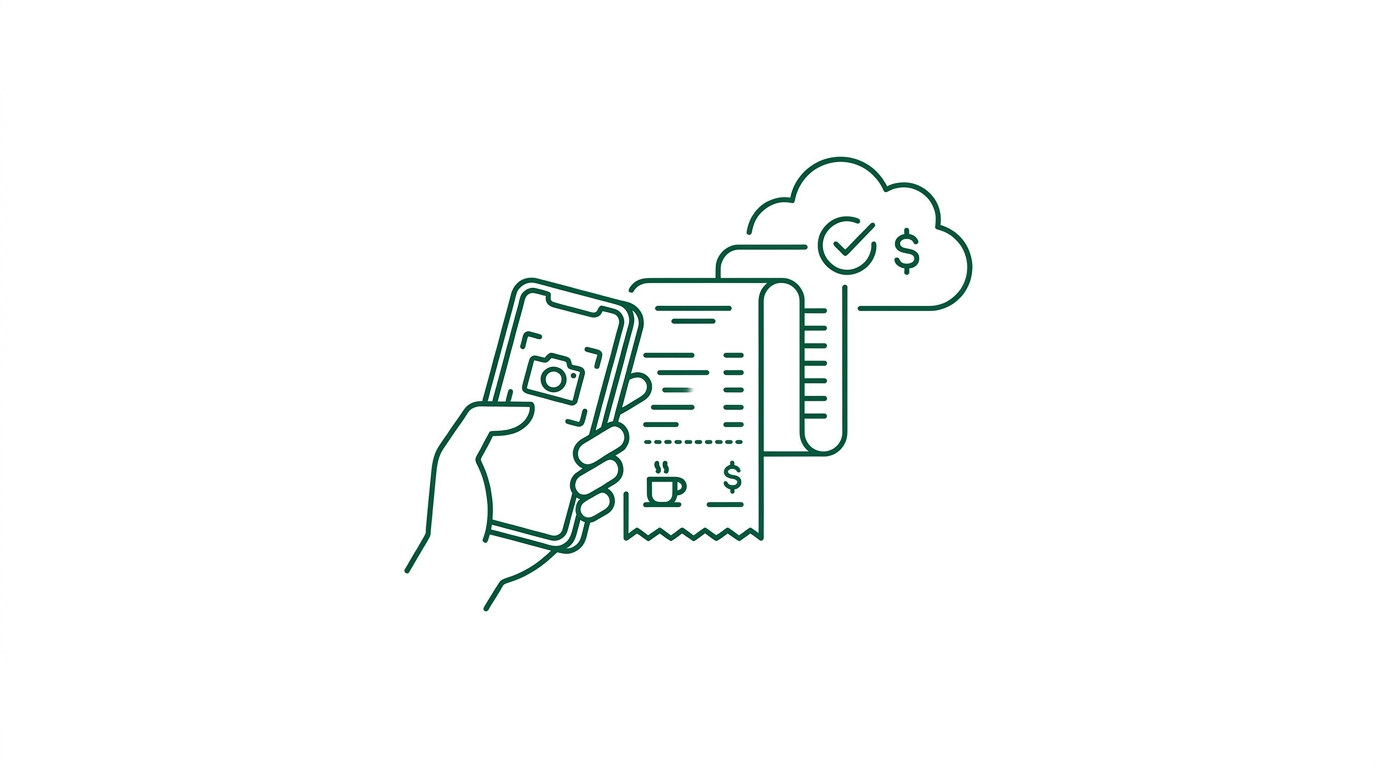
Receipt scanning apps reward users for uploading photos of their shopping receipts. In exchange, you earn points, cashback, or small cash rewards. It’s an easy way to make a little extra money from purchases you were going to make anyway.
How Does Receipt Scanning Work?
The process is quick and simple:
✅ Download a receipt scanning app – Choose from one of the trusted platforms on our list.
✅ Make a purchase – Shop as normal at a participating store (usually any UK supermarket or high street brand).
✅ Snap a photo of your receipt – Open the app and take a clear picture.
✅ Submit & earn points or cashback – Your receipt is reviewed and approved.
✅ Get paid – Cash out your rewards via PayPal, gift cards, or direct bank transfer.
Why Do Companies Pay for Receipts?
Brands and research firms use receipt data to understand consumer habits—what you're buying, when, and where. Instead of relying solely on surveys or store data, they incentivise real shoppers like you to share their receipts, offering better insights into real-world behaviour.
Who Can Benefit from Receipt Scanning?
Receipt scanning is ideal for:
✅ Anyone who shops in-store or gets physical receipts
✅ Budget-conscious shoppers who want extra rewards
✅ People looking to effortlessly earn a few pounds a month from their normal spending
How Much Can I Earn from Receipt Scanning?
This isn’t a big money-maker—but it adds up. Most apps pay pennies per receipt, with bonuses for referrals or streaks. Some users earn £5–£15/month just by submitting their weekly receipts.
Is Receipt Scanning Legit?
Yes—receipt scanning is a legit, low-effort side hustle used by thousands of UK shoppers. While the payouts are modest, it’s a hassle-free way to extract extra value from purchases you’re already making. We keep our list updated with the most rewarding and trusted platforms available.
How To Maximise Your Receipt Scanning Earnings
Most users simply upload receipts and collect a few pounds each month. However, the best approach is to combine receipt scanning with other cashback methods.
A typical cashback stack might look like this:
Cashback Card → Discounted Gift Card → Cashback Portal → Airtime Rewards → Loyalty Points → Receipt Scanning
For example, you could:
Use a cashback card such as Krak, Uphold, Chase or Zilch.
Buy a discounted gift card before shopping.
Click through a cashback portal such as TopCashback, Quidco or Rakuten.
Scan your Nectar, Clubcard or other loyalty card.
Upload the receipt afterwards to one or more receipt scanning apps.
The same purchase can often generate rewards from several different sources, making receipt scanning the final layer of a much larger cashback-stacking strategy.
Best Receipt Scanning Tips
To maximise your rewards:
✅ Upload receipts as soon as possible after purchase.
✅ Check whether multiple apps accept the same receipt.
✅ Look out for bonus promotions on specific products and brands.
✅ Refer friends where possible, as referral bonuses often pay more than the receipts themselves.
✅ Combine receipt scanning with cashback cards, loyalty schemes and cashback portals for the highest overall return.
While receipt scanning alone won't make you rich, it's one of the easiest ways to earn extra rewards from spending you were already planning to do.
Frequently asked questions
What is receipt scanning?
Receipt scanning involves uploading photos of your shopping receipts to apps in exchange for cashback, points, or rewards. It’s a quick and easy way to earn a bit extra from everyday spending.
Why do these apps pay you?
Companies use receipt data for market research. By analysing what real customers buy, they can improve their products, pricing, and marketing strategies—so they’re happy to pay for this insight.
How much can I earn?
Earnings are modest but add up. Apps like Clear pay 10p per supermarket receipt and 5p for other receipts. Many users make £5–£15/month just from snapping receipts.
Which apps are best?
Clear is one of our top picks—it has a great interface, fast processing, and generous rates. Other solid options include Amazon Shopper Panel, Shoppix, and Storewards.
Are digital receipts accepted?
Yes! Many platforms accept emailed receipts too—Clear, for example, lets you forward them directly. If you forward your digital receipt to the email address receipts@clear-app.com they will be treated just the way that paper receipts are. The data these generate for understanding consumer behaviour are just as important to our clients as paper receipts.
How often can I upload receipts?
It varies by app. For Clear, you can upload up to 3 receipts per shop per day, with a weekly cap of 22 receipts.
When can I cash out?
Most apps let you cash out once you hit a threshold—Clear has a £5 minimum and pays via bank transfer.
Is this legit?
Yes—receipt scanning is a long-running, low-effort side hustle used by thousands of UK shoppers. It won’t make you rich, but it’s reliable beer money.