
⚠️ This Greene King offer has expired
The previous Greene King promotion is no longer available. We keep the page up so you can see what was on offer and check back if it returns.
🎯 Looking for more ways to earn or save? See what's live on My Side Gig right now

FREE drink at your local Greene King
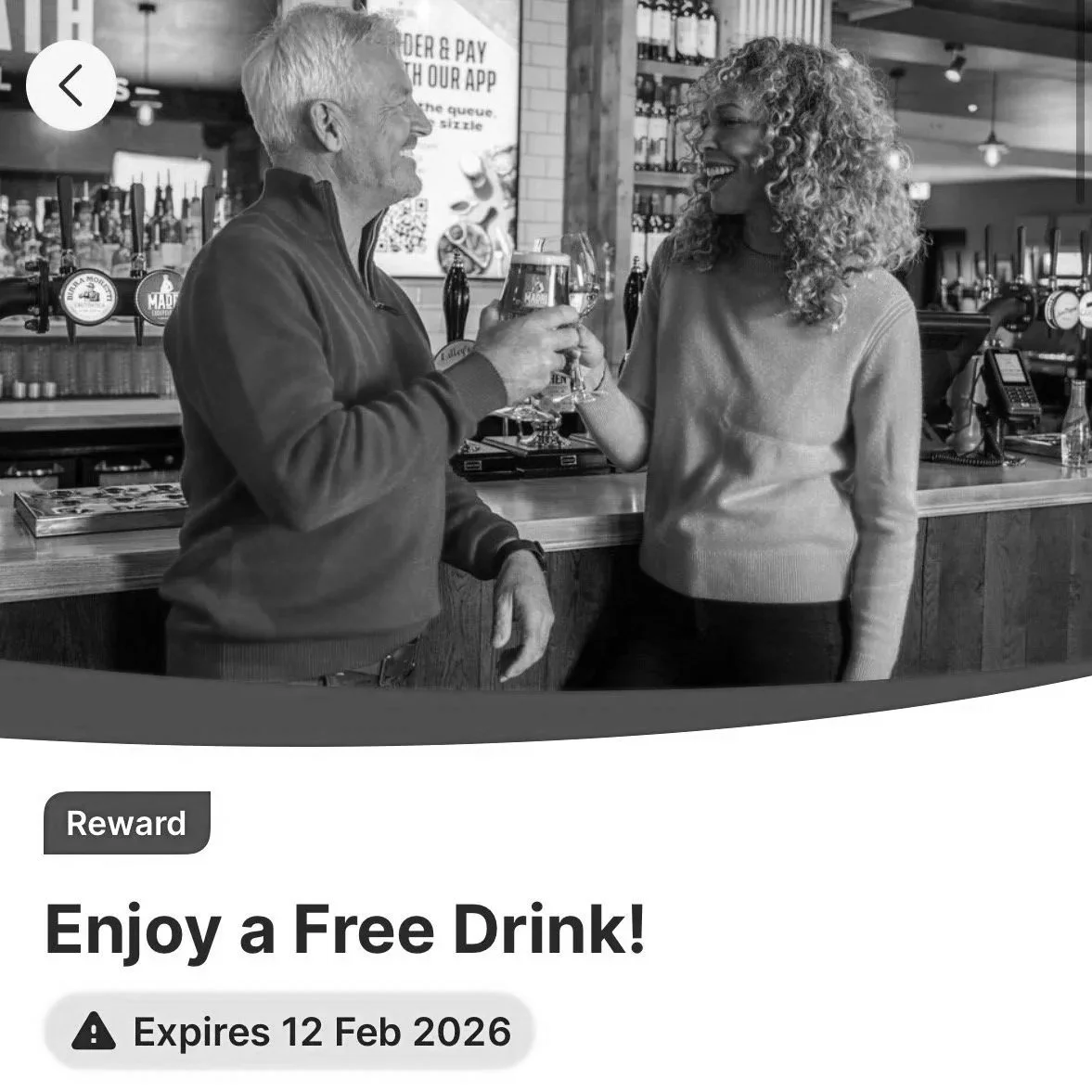
(App reward – beer, wine or soft drink*)
To secure your free drink:
On the app (mobile ordering), or
At the bar (QR code)
How to claim this offer
- 1
Open the app (or download it if you don’t have it yet) and make sure you’re logged in.
- 2
Head to the Rewards section to see the free drink offer available to you. 💡 You can check the full list of eligible drinks directly in the reward details.
- 3
Choose how you want to redeem your free drink:
Discussion, alerts & T&Cs
- Join the discussion in our Facebook group here
Offer stopped working? Let us know and we'll re-check it.
Similar 'Food & Drink' offers:
- FREE Tesco Clubcard Freebie Thursday Treat 🍝
- Get a FREE drink every week from Joe & the Juice
- Get a free coffee at McDonalds every week
- Get a free Greggs breakfast roll and hot drink with First Bus


Some links on this page are referral or affiliate links. If you use them, My Side Gig may earn a small amount at no cost to you. It never changes the offers we list or how we rank them.
